Recovery
Keep a way back into the owner setup.
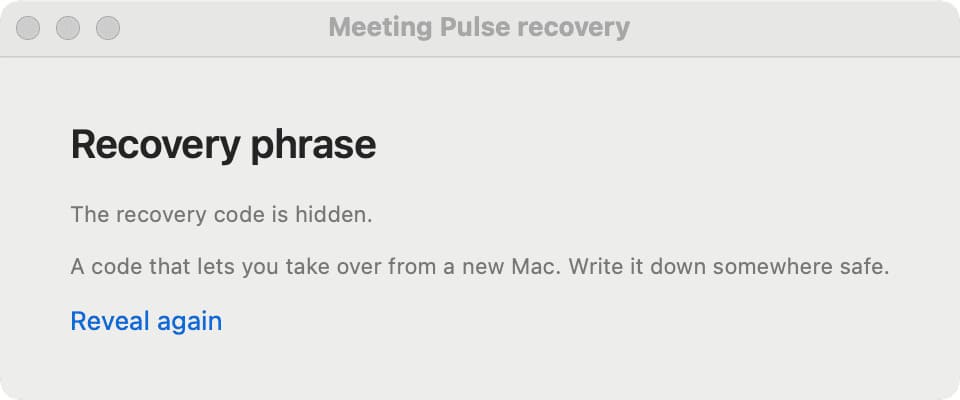
Recovery is for the owner. It helps you restore control of the Station setup without turning a viewer link into a second owner account.
Before you need it
- Keep the recovery information in a private place.
- Do not paste it into a public issue, screenshot, or chat.
- Review viewer access when moving to a new Mac.
When moving to another Mac
Follow the recovery flow shown by the current release. Recheck Accessibility permission on the new Mac, verify the owner state in Station, and confirm that the intended viewer still has access.
If recovery does not work
Check the release notes and open a support discussion with the smallest amount of diagnostic information needed to reproduce the problem.