Detect locally
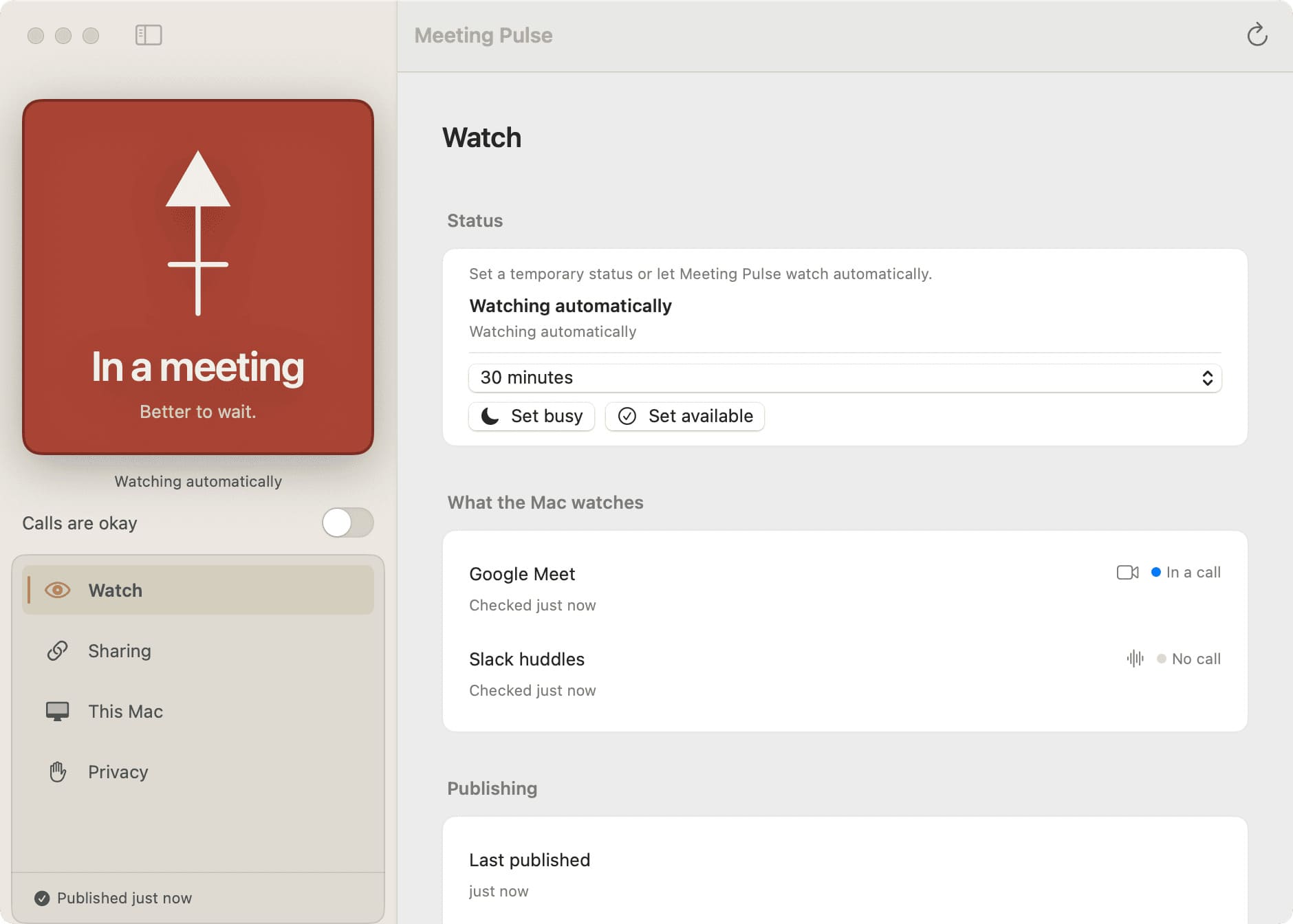
Meeting Pulse uses macOS Accessibility APIs to detect supported meeting states on the host’s Mac.
Private meeting status for macOS
Meeting Pulse is a small macOS app that shares a single "in a meeting" or "call okay" with the partner, parent, or close friend who usually rings you first.
No calendar event to babysit. No meeting title to show. Just the quiet answer the person who loves you needs before they ring.
Read the privacy boundary Two surfaces, one answer
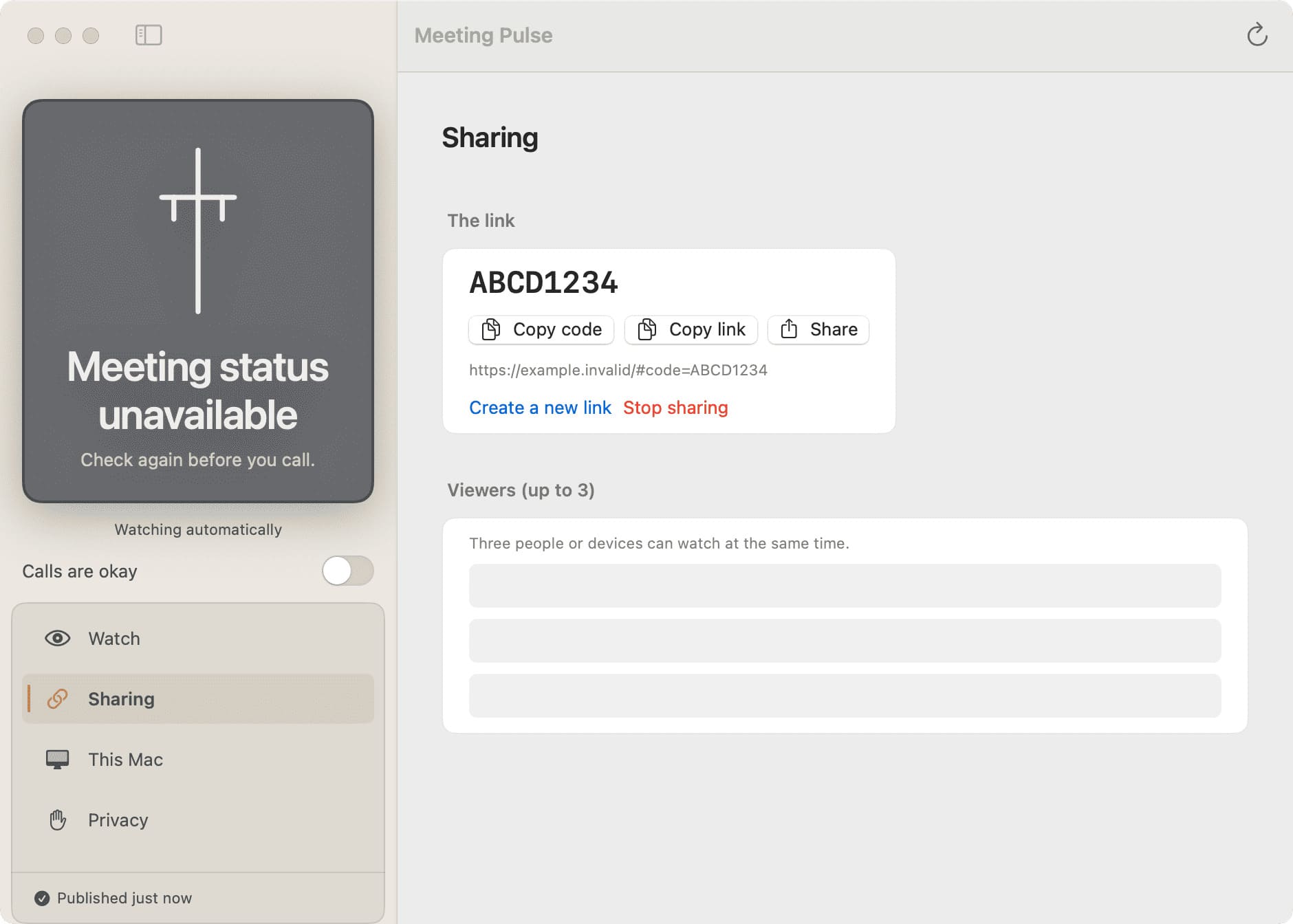
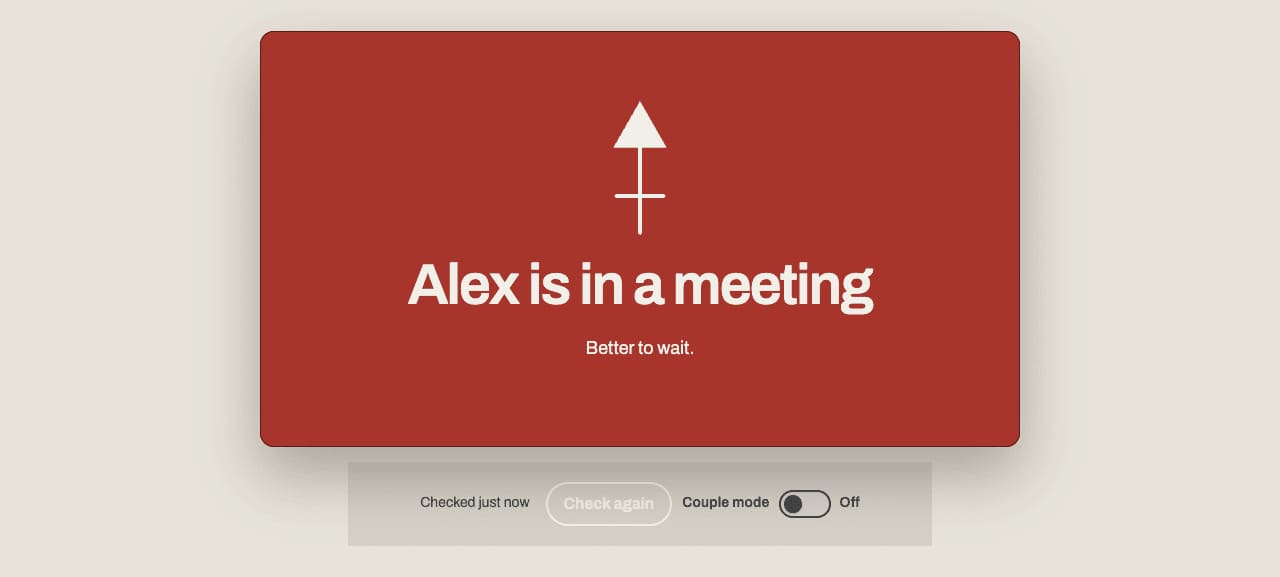
Meeting Pulse has a native macOS surface for the host and a private browser page for the guest. They meet at one small, readable signal.

The workflow
Meeting Pulse uses macOS Accessibility APIs to detect supported meeting states on the host’s Mac.
The guest gets a single "in a meeting" or "call okay" — never the meeting title, the URL, or who's on the call.
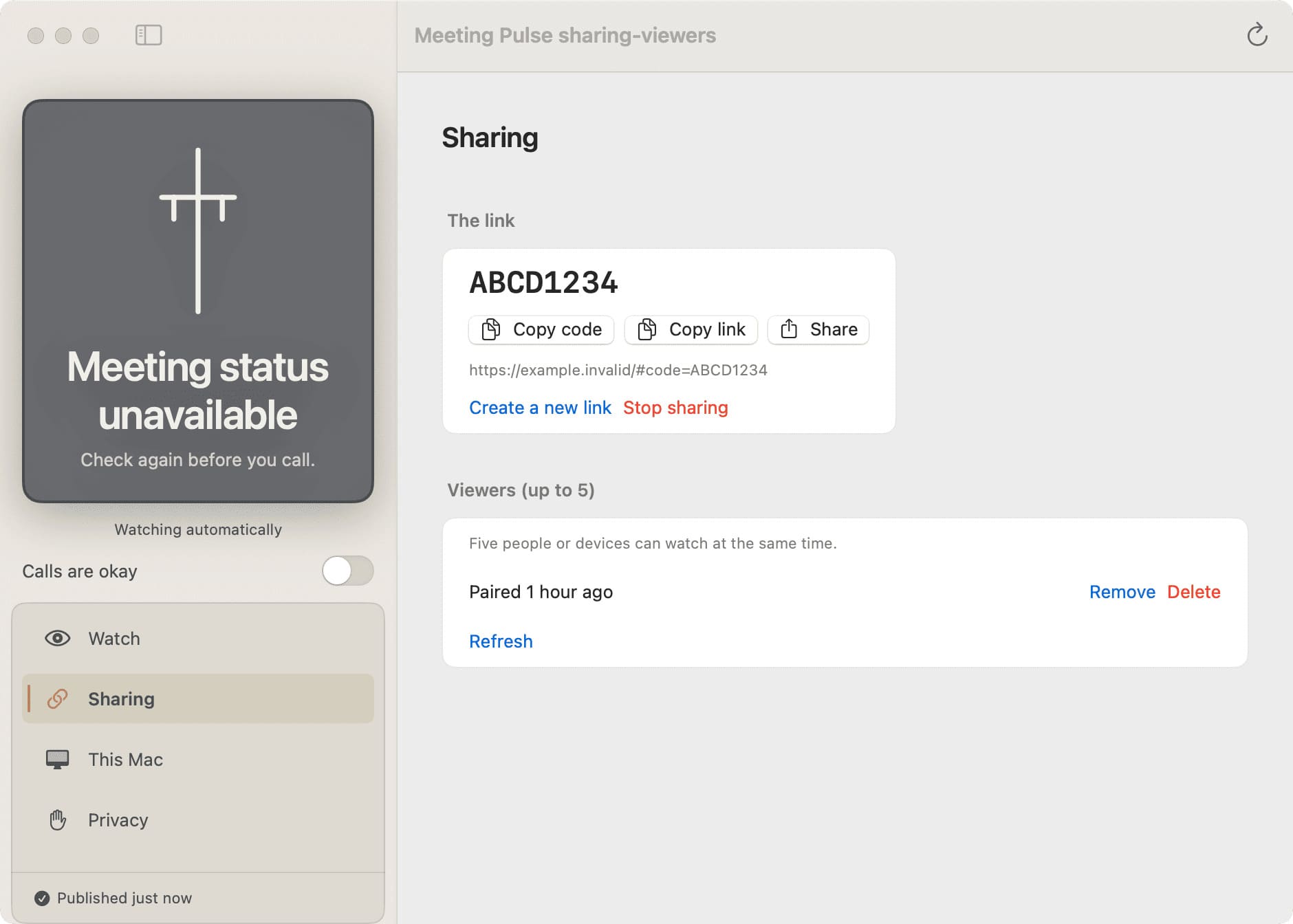
They open the private link on their phone or laptop. No account, no app, no setup on their end.
If the signal is stale, offline, or revoked, the page says "unavailable" plainly. It never turns uncertainty into "available."

Privacy by boundary
Accessibility access lets the host app understand supported call states. It does not turn Meeting Pulse into a window on the meeting.
Built for the in-between moment
Keep the host’s status close to the Mac. Give the guest one link. When the signal is missing, say that plainly and let the person choose what to do next.
Google Meet in Chrome and native Slack Huddles are the first supported surfaces.
Explore featuresManual controls cover the moments that automatic detection cannot know.
See the workflowMeeting Pulse is an MIT-licensed open-source project with its product decisions in the open.
Visit the projectTry the viewer
Open the live viewer in a browser tab. It loads without an account, reads the current state, and shows unavailable plainly when the host’s signal is missing.
The viewer link is private. It only opens for a paired viewer. Pairing happens inside the host app on macOS.