Getting started
Install the owner app on macOS.
Meeting Pulse starts with a native macOS app called Station. It is the place where the owner configures detection, controls, and viewers.
1. Get the current release
Use the project’s GitHub Releases page and read the release notes for the current artifact, architecture, and signing details.
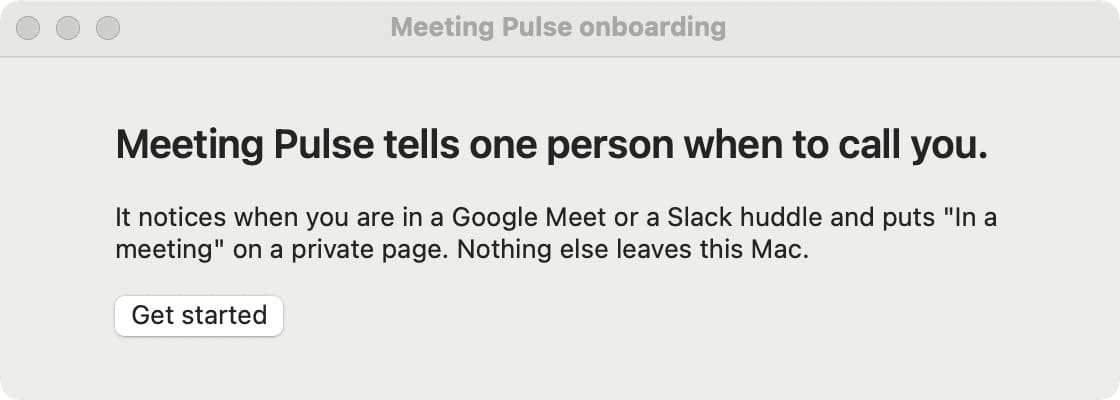
2. Complete onboarding
Launch Station and follow the setup flow. The app explains why it needs macOS Accessibility permission before asking for it.
3. Check the owner state
Station shows the state it can currently determine. If the detector is uncertain or permissions are incomplete, keep the unavailable message visible and continue with the troubleshooting guide.