Sharing
Pair the person who needs to know.
Station creates a private browser viewer path. The viewer is designed for one quick glance on a phone or laptop, without asking the viewer to create an account.
1. Open sharing in Station
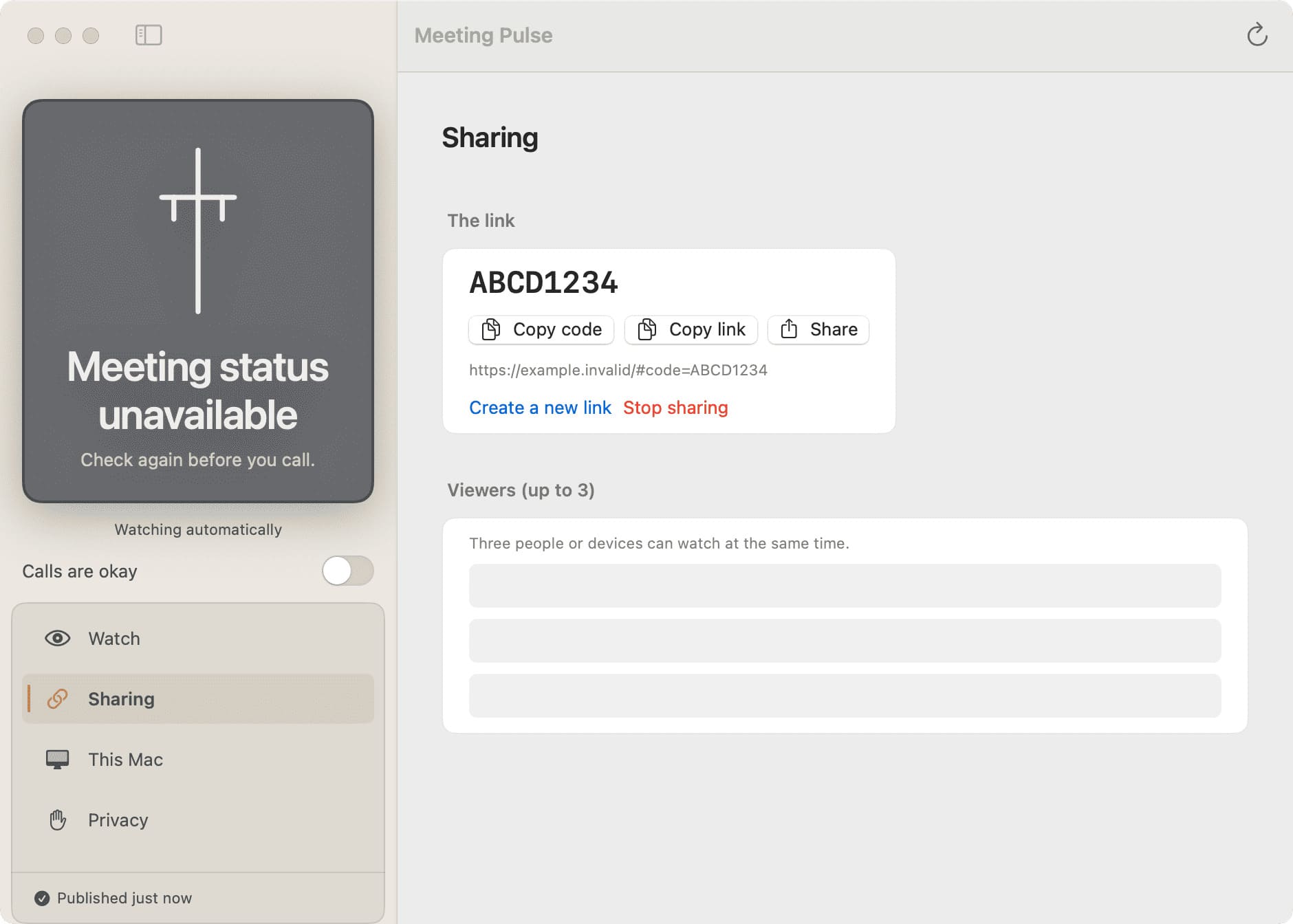
From the owner app, open the sharing surface and create a viewer for the person who should be able to check in.
2. Share the private link
Send the generated viewer link or pairing code through a channel you trust. Treat it like access to a private status page.
3. Check the viewer
Open the link in a browser. The viewer shows the current state and makes unavailable or disconnected conditions explicit.
Need to change access?
Use Station’s viewer management controls to rotate or revoke access according to the current product behavior documented in the release.