Say when the signal is old.
Viewers can tell the difference between a current state and a status that needs attention.
Features
Meeting Pulse keeps your controls on the Mac and gives the person who cares about you the single answer they came for.
01 · Detection
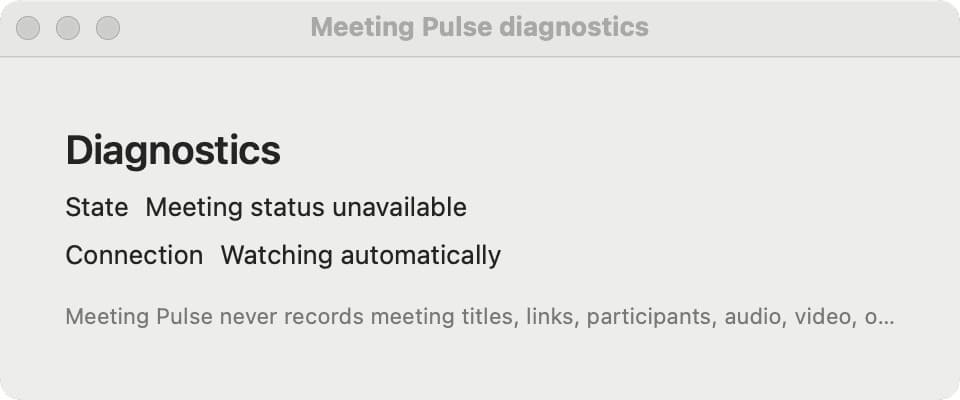
The owner app uses macOS Accessibility APIs to detect Google Meet in Chrome and native Slack Huddles. It does not need a browser extension, Slack bot, OAuth, calendar access, or Screen Recording.
If a permission is missing or a state is uncertain, the product keeps that uncertainty visible.
02 · Controls
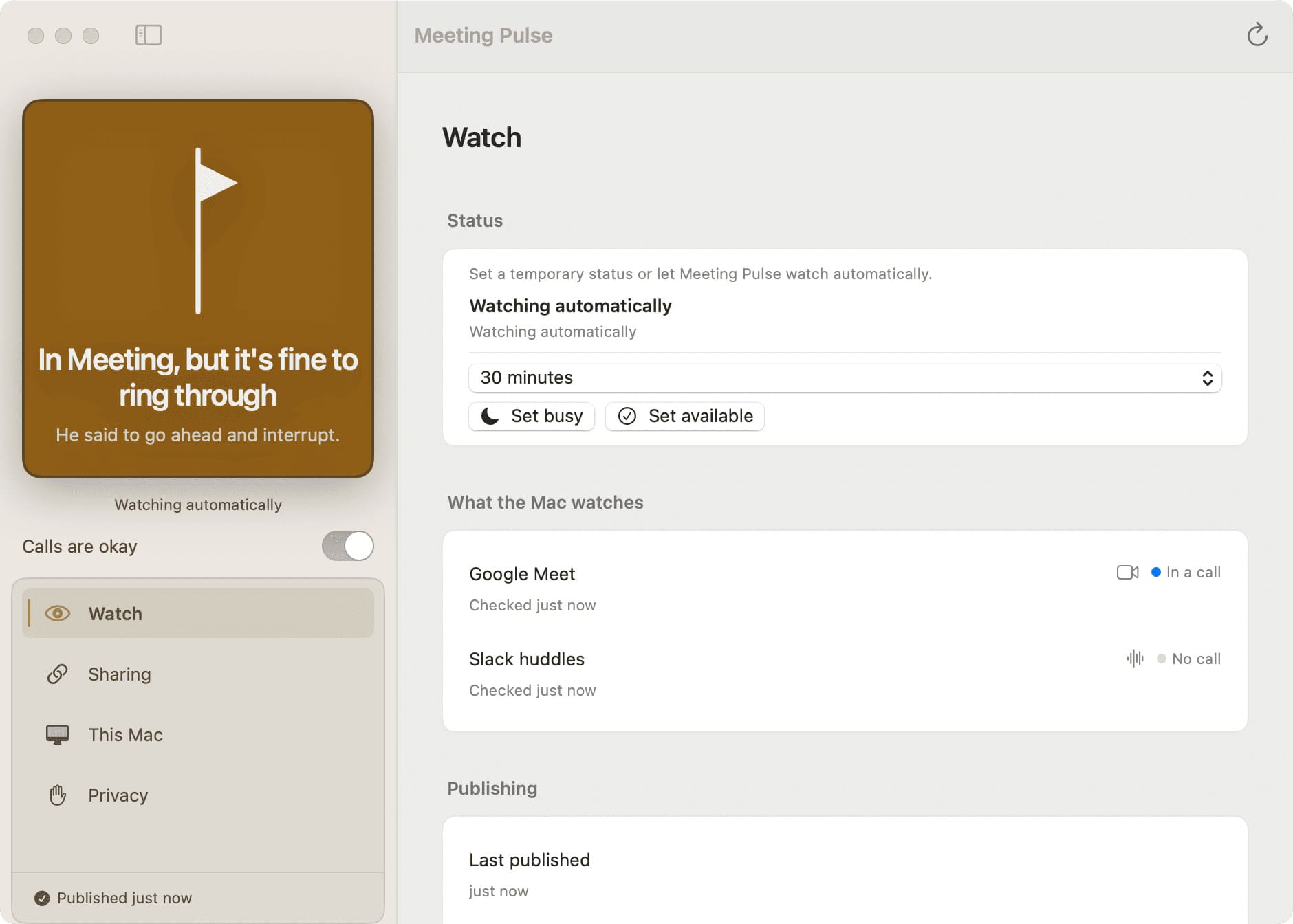
Set Busy or Available for a duration when the owner knows more than the detector can. A separate Call okay signal lets someone tell the viewer that a call can still come through.
03 · Private viewer
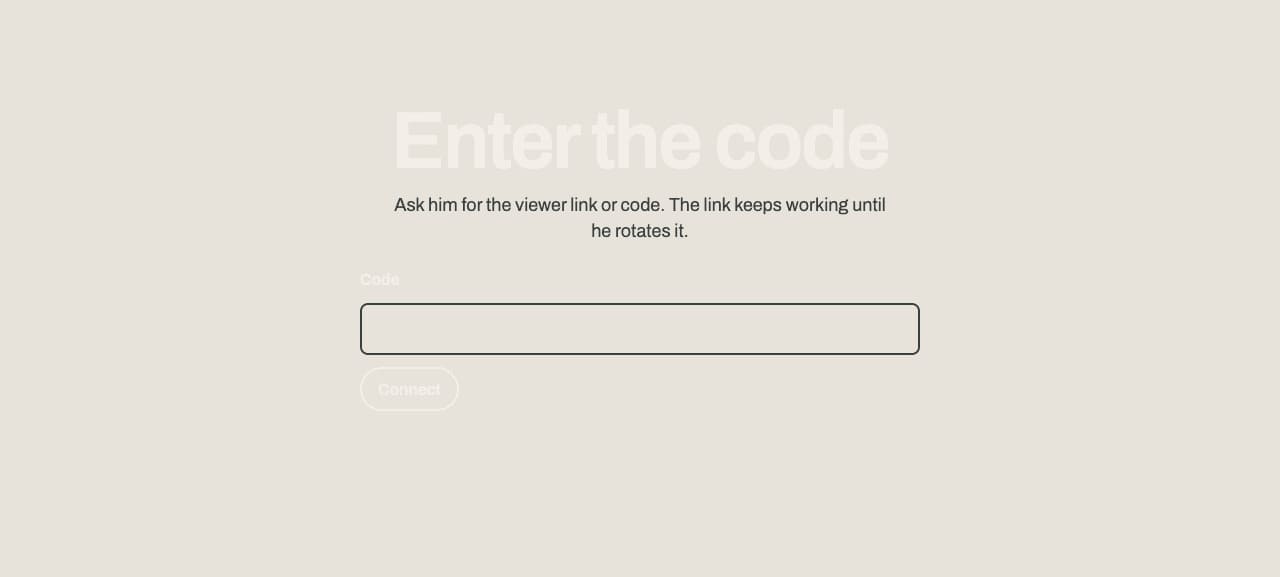
The viewer opens on a phone or laptop. It shows the availability state, optional owner name, and call-okay copy. It does not expose meeting titles, URLs, participants, or meeting content.
Read pairing docs04 · Trust states
Offline, revoked, malformed, and stale states have their own language. The viewer does not quietly turn a missing signal into permission to interrupt.
Viewers can tell the difference between a current state and a status that needs attention.
Network or pairing problems get a direct message and a next step.
Viewer links can be managed from Station rather than living forever by accident.